June 2, 2023 · Oskar Glauser
Better email marketing with AI tools
Artificial intelligence is changing the way small businesses approach email marketing. From writing compelling copy to generating eye-catching images, AI tools can save you time and help you produce better results. But the key is using these tools wisely, as a complement to your creativity rather than a replacement for it.
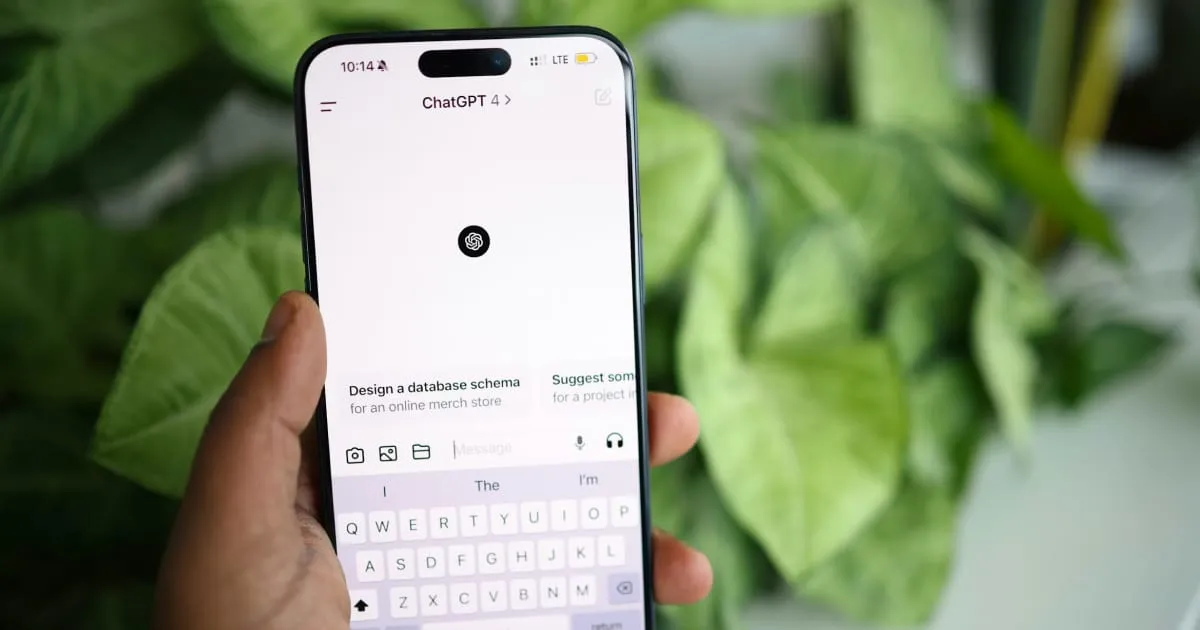
In this post, we will explore how AI can enhance your email marketing efforts and help you work smarter.
AI writing tools for email marketing
One of the most time-consuming parts of email marketing is writing the content itself. AI writing tools can help you move faster without sacrificing quality.
Generate drafts and variations
Instead of staring at a blank page, you can use AI to generate a first draft based on your topic or key points. This gives you a starting point that you can refine and personalize. Many marketers find that editing an AI draft is much faster than writing from scratch.
Create better subject lines
Your subject line determines whether someone opens your email or ignores it. AI tools can analyze your email content and suggest multiple subject line options, giving you fresh perspectives you might not have considered. If you want to dive deeper into this topic, check out our guide on how to start a newsletter.
Personalize at scale
AI can help you create personalized content variations for different audience segments. Instead of writing separate emails for each group, you can use AI to adapt your messaging based on customer behavior, preferences, or purchase history.
Proofread and improve readability
AI tools can catch grammar mistakes, suggest clearer phrasing, and improve the overall readability of your emails. This is especially helpful if you are writing in a language that is not your first.
AI image generation for email campaigns
Finding the right images for your emails can be frustrating and time-consuming. AI image generation offers a practical alternative.
Create custom visuals from descriptions
Instead of searching through stock photo libraries, you can describe the image you need and let AI generate it. Need a cozy coffee shop scene for your cafe newsletter? Just describe it and get a custom image in seconds.
Optimize for different formats
AI can help you create images sized correctly for different email layouts and devices. This saves you from manually resizing and cropping images for every campaign.
Test different visual approaches
With AI, you can quickly generate multiple image variations for A/B testing. Try different styles, colors, or compositions to see what resonates best with your audience.
Finding the right balance
The most important thing to remember about AI tools is that they work best when paired with human judgment. AI can handle the repetitive and time-consuming parts of content creation, freeing you up to focus on strategy, creativity, and building genuine connections with your audience.
Here are some tips for using AI effectively in your email marketing:
- Start with a clear brief. The better your input, the better the AI output. Be specific about what you need.
- Always review and edit. Never send AI-generated content without reviewing it first. Add your personal touch and brand voice.
- Use AI for inspiration, not final copy. Treat AI suggestions as starting points rather than finished products.
- Test and learn. Try different AI tools and approaches to find what works best for your business.
Getting started with AI in your email marketing
You do not need to overhaul your entire workflow to benefit from AI. Start small by using AI for one aspect of your email creation, whether that is writing subject lines, generating images, or drafting content.
Many affordable email marketing tools now include built-in AI features, making it easy to get started without additional subscriptions or technical knowledge.
The goal is not to automate everything. It is to work more efficiently so you can spend more time on what matters most: understanding your audience and delivering value through every email you send.